What is it?
Working in Finder often means a detour for something small: opening an editor just to create a text file, opening Terminal just to get the current path, opening a second window just to send a file somewhere else. Rimulo moves those actions to where you already are — right-click, and it's done.
Make the menu your own
What it does
New file
Text, Markdown, JSON, Python, Shell, HTML and a dozen more — plus Word, Excel and PowerPoint documents that actually open.
Copy information
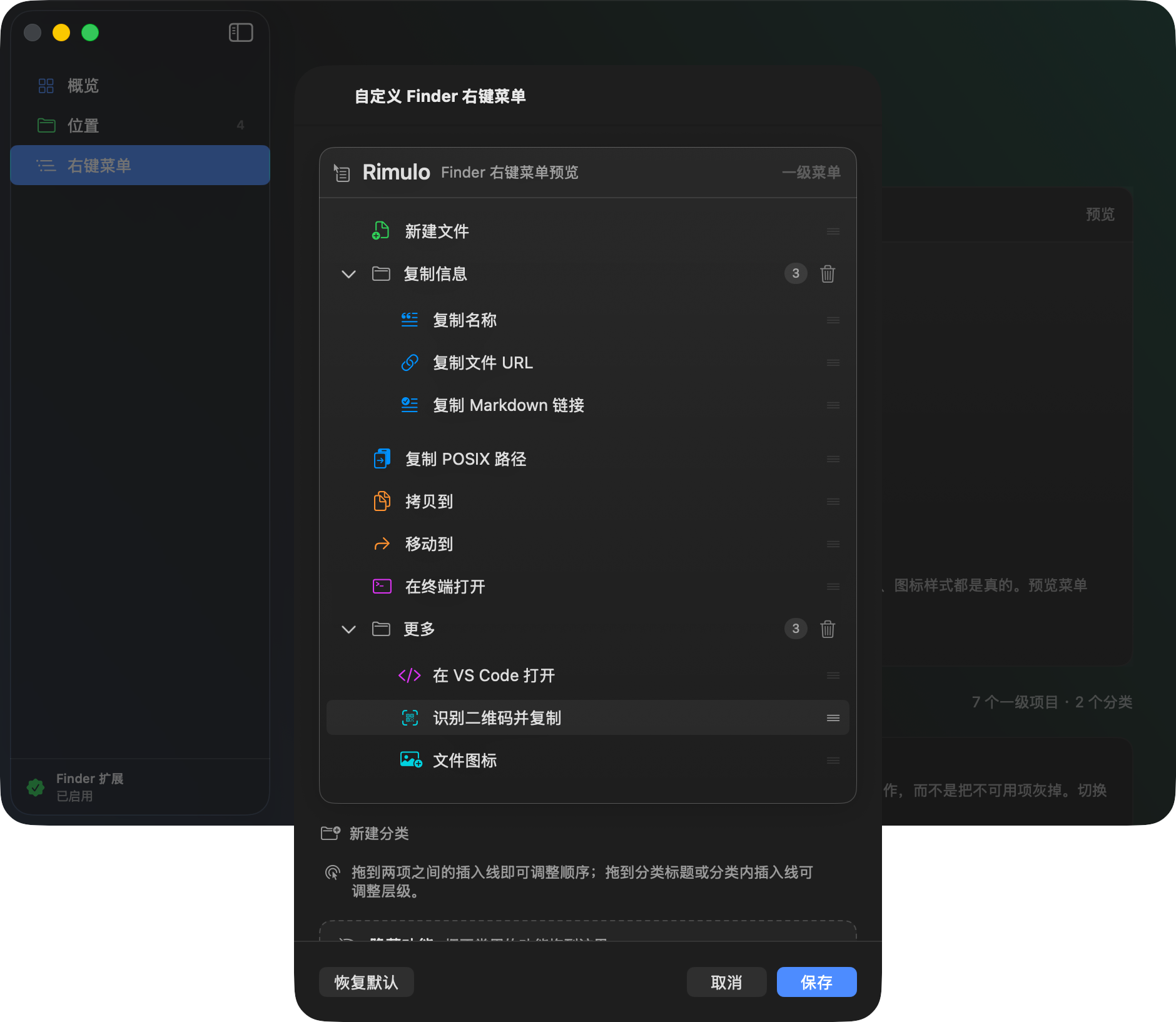
Name, POSIX path, file URL, Markdown link. Spaces, non-ASCII names and special characters all handled correctly.
Open here
Start working in the current folder with Terminal or VS Code — no need to cd there first.
Copy and move
Send selected items to the destinations you use most. Copying never overwrites; moving tells you honestly what happened to the original.
QR codes and icons
Scan a QR code out of an image straight to the clipboard; give a file or folder a custom or preset icon.
Arrange the menu yourself
Drag to reorder, group, or hide. Keep only the few actions you actually use.